

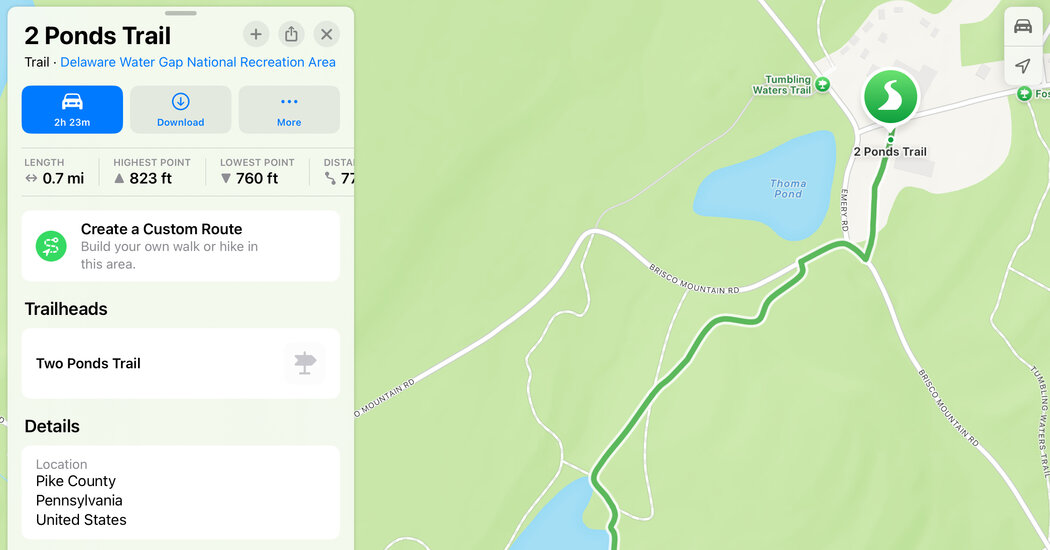
Google Maps and Apple’s Maps app offer location-based directories and other tools for finding new places to explore, before or after you hit the road.
Google Maps celebrates its 20th anniversary this year, but like Apple’s Maps (released in 2012), it has moved far beyond basic navigation services and into travel planning. Both provide tools to bookmark your favorite places, read reviews, make reservations and see the points of interest around you.
Here’s a guide to some useful tools for travelers.
Know Your Place(s)
When you search for and select a business in the app, both Google Maps (for Android and iOS) and Apple’s Maps (for iOS) display a “place card” with the address, hours, reviews and other details about that location.
In Google Maps, tap the Explore tab at the bottom of the screen to see nearby places. On some restaurant cards, you can make reservations using the OpenTable booking service. Google usually includes an immersive Street View 360-degree photo of the area.
Apple’s cards, where you can save and add your own notes, include buttons for the establishment’s phone number, its website and other information. Tap the Search box and choose Find Nearby to see places around you. Apple’s 360-degree view feature is called Look Around; tap the photo thumbnail on the map to open it.
To bookmark a place for later reference, tap the Save or + button on the card. Saved places are stored in the Google Maps Lists area (which includes a default Travel Plans section) on the You tab, or in Apple’s Maps Library, linked on the app’s Search screen.